

Summary: Low-vision aids are specialised tools designed to help individuals with visual impairments make the most of their remaining sight. From magnifiers and telescopes to adaptive lighting and assistive technologies, these devices empower people with low vision to maintain independence, enhance daily functioning, and improve their overall quality of life.
Key Takeaways:
|
Low vision refers to partial vision loss that cannot be fully corrected with glasses, contact lenses, or surgery. Individuals with low vision often struggle with everyday tasks such as reading, recognising faces, or navigating safely. Low-vision aids bridge this gap by optimising residual vision through customised optical and non-optical tools.
Types of Low-Vision Aids
Optical Aids:
- Magnifiers: Handheld, stand, and electronic magnifiers enlarge text and objects for easier viewing.
- Telescopes: Available as monocular or binocular, they enhance distance vision for watching, reading signs, or viewing distant objects.
- Specialised Glasses: Options like bioptic telescopic glasses and prismatic lenses improve clarity for specific visual ranges.
Electronic and Digital Aids:
- CCTV magnifiers, screen readers, and voice-activated devices assist in reading and performing daily digital tasks.
- Adaptive lighting systems improve contrast, reduce glare, and make environments more comfortable.
Daily Living and Mobility Aids:
- Large-print materials, talking watches, and tactile markers make daily routines easier.
- White canes and GPS navigation tools enhance mobility and independence.
Using Magnifiers and Telescopes Effectively
- Choose magnifiers based on magnification strength, lighting, and portability.
- Use stand magnifiers for stability and electronic magnifiers for advanced clarity.
- Telescopic aids enhance distance vision and depth perception; training and adjustment improve effectiveness.
Assistive Technology and Tactile Solutions
- Screen readers convert on-screen text into speech, enabling easier access to digital platforms.
- Speech-to-text software allows independent document handling.
- Braille systems and tactile graphics empower individuals to read and interpret information through touch.
Optimising Lighting for Better Vision
- Use task lighting for reading or writing activities.
- Employ daylight simulation bulbs to mimic natural light and reduce strain.
- Adjust illumination levels at home or work to reduce shadows and glare.
Navigating with Non-Optical Aids
- White canes help detect obstacles and terrain changes.
- Tactile markings on public surfaces enhance navigation and safety.
- Consistent training improves coordination and confidence in daily movement.
Magnifiers for low-vision aids
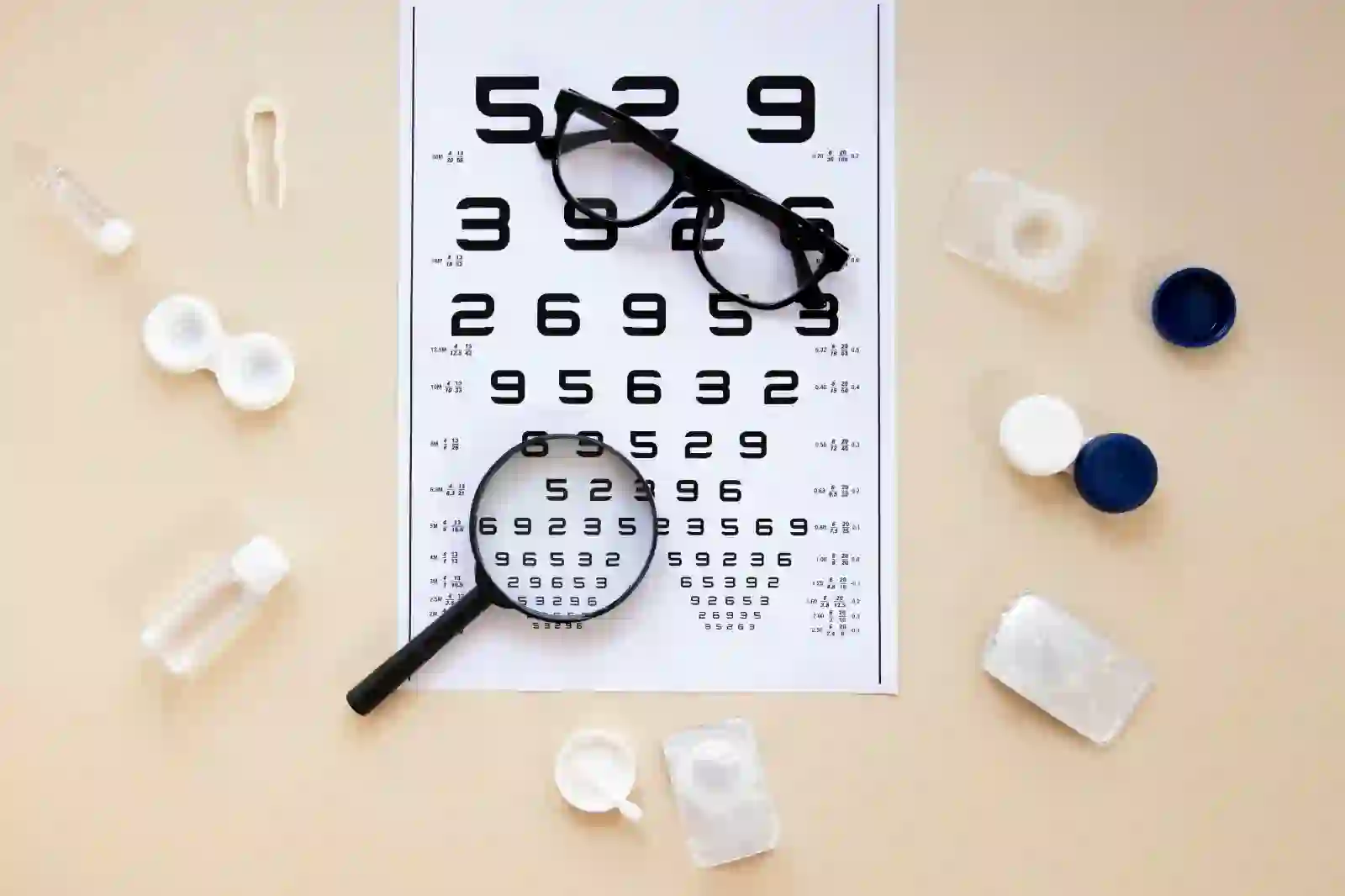
Magnifiers for visually impaired are essential tools for enhancing visual capabilities in individuals with impaired vision. This type of low vision aids, including handheld, stand, and electronic magnifiers, employ various mechanisms to amplify images. When choosing a magnifier, factors such as magnification strength, lens type, and lighting are crucial. Users often find success in combining different types for various activities. Tips for effective use include maintaining an appropriate working distance and ensuring proper lighting conditions. However, each magnifier option has pros and cons. Handheld magnifiers are portable but may require steady hand control. Stand magnifiers provide stability but limited mobility. Electronic magnifiers offer advanced features but may be costlier.
Choosing the right magnifier aligns with individual preferences, lifestyle, and specific visual needs, fostering a more inclusive environment for those with low-vision.
Telescope for low-vision aids
Telescopes stand as indispensable aids for individuals with low-vision, offering a transformative enhancement to their visual experiences through magnification principles. Two primary types, monocular telescopes tailored for users with vision in one eye, and binocular telescopes providing a more immersive experience for those with vision in both eyes, cater to diverse needs. Monocular telescopes, being compact and portable, are ideal for on-the-go situations, while binocular telescopes offer enhanced depth perception and a broader field of view. Additional types include bioptic telescopes, mounted on eyeglasses, and eccentric telescopes, designed off-center for an unobstructed view.
Adapting to telescopic aids involves becoming accustomed to altered depth perception and consistent use. To maximize benefits, individuals are encouraged to undergo proper training, carefully select the right telescope for specific tasks, and optimize lighting conditions. Success stories and case studies underscore the positive impact of telescopic aids on individuals’ daily lives, activities, and overall independence, highlighting the potential for significant improvements in visual capabilities and quality of life.
Optical Aids for Different Visual Ranges
Optical Aids for Distance Vision:
Enhance your sight for distant views with optical aids designed for distance vision. Binoculars and telescopes are invaluable tools, providing improved clarity and magnification for observing objects and scenes from a distance.
Optical aids for intermediate distance
Optimize your visual experience at arm’s length with optical aids tailored for intermediate distances. Specialized lenses and computer glasses ensure clear focus on screens, books, and objects, making tasks like working on a computer or reading a breeze.
Optical Aids for Near Vision
Improve your close-up vision with optical aids dedicated to near tasks. From magnifiers and reading glasses to handheld devices, these aids offer enhanced clarity for reading, examining details, and performing activities that demand a close-up perspective. Discover optical solutions to elevate your near vision experience.
Low-vision Aid Solutions with Adaptive Lighting
Lighting plays a crucial part to enhance the visual experiences of individuals with low-vision, providing a key element in the overall efficacy of low-vision devices. Proper lighting can significantly improve contrast, reduce glare, and enhance the visibility of objects, thereby maximizing the effectiveness of various vision aids for low vision.
Adaptive lighting solutions include the following:
- Task lighting: Task lighting is a targeted illumination solution that directs focused light onto specific areas, enhancing visibility for tasks such as reading, writing, or any close-up work. Adjustable desk lamps or under-cabinet lighting are examples of task lighting solutions that can be tailored to individual needs.
- Daylight simulation:Daylight simulation replicates the spectrum of natural light, offering a balanced and comfortable illumination. This type of lighting can reduce eye strain and create a more visually friendly environment. Light bulbs designed to mimic natural daylight are readily available and can be used in various settings.
- Contrast enhancement: Adaptive lighting solutions focus on creating optimal contrast. This involves using lighting that minimizes shadows and highlights, making it easier for individuals with low-vision to distinguish between objects. Even, uniform lighting can be achieved through ambient lighting fixtures.
Tips for Optimizing Lighting:
- Home environment: Ensure well-distributed lighting throughout your living space. Use adjustable lamps or dimmer switches to control the intensity based on specific tasks. Position lighting to minimize shadows and eliminate glare. Experiment with different light sources to find what works best for your vision.
- Workplace: Arrange task lighting at your workstation to illuminate work surfaces. If possible, position your desk near natural light sources, but be cautious of direct sunlight causing glare. Communicate your lighting needs with colleagues and employers to create an accommodating workspace.
- Other environments: When in public spaces, consider carrying a portable task light for added illumination. Familiarize yourself with the lighting conditions of different environments and plan accordingly. Utilize smartphone apps that adjust screen brightness to suit your preferences.
Navigating the World with Non-Optical low-vision Aids
low-vision presents unique challenges, but with the aid of non-optical devices, individuals can enhance their independence and mobility. One crucial category of low-vision aids includes non-optical tools such as white canes and tactile markings. White canes, for instance, serve as indispensable tools for individuals with visual impairments, acting as an extension of their sense of touch. These canes, typically white to increase visibility, help detect obstacles and changes in terrain, enabling users to navigate unfamiliar environments with increased confidence. Tactile markings, on the other hand, provide valuable cues in the form of raised or textured surfaces that convey information about the surroundings.
These markings can be found on staircases, crosswalks, and public spaces, offering crucial directional and safety information. Proper usage of a white cane involves specific techniques, such as the constant sweeping motion to detect obstacles, and understanding the varying grip styles for different situations. Additionally, mastering orientation techniques, such as maintaining a consistent stride and using auditory cues, further enhances the effectiveness of these aids.
Empowering Those with low-vision Using Screen Readers and Assistive Technology
Screen readers and assistive technology stand as powerful tools, profoundly impacting the lives of people dealing with low-vision. Screen readers, adept at converting on-screen text into synthesized speech, allow users to audibly navigate websites, documents, and applications. Complemented by speech-to-text software, these tools empower users to interact with digital content seamlessly. What sets them apart is their versatility, functioning across a spectrum of devices and platforms, ensuring a consistent user experience.
From desktops to mobile devices, these assistive technologies offer independence and inclusion. Understanding the intricacies of how these tools work and their compatibility factors becomes paramount in making informed choices.
Low-vision Aids: Visual World with Braille and Tactile Solutions
Braille and tactile aids empower those with low-vision, transforming how they engage with the visual world. Braille, a vital tactile writing system, facilitates literacy and communication through touch, serving as a lifeline for the visually impaired.
Additionally, tactile graphics play a crucial role, translating visual information into touch-friendly formats and bridging the gap between the visual and tactile information.
FAQs
What are the different types of low vision aids?
Low vision aids include magnifiers, telescopes, electronic devices, and specialized glasses to enhance eye vision. The aids help individuals with visual impairments perform daily tasks more easily. Additional low vision aids such as large-print materials, tactile markers, and adaptive lighting solutions further enhance visibility for people with limited vision.
What types of adaptive devices are available for low vision?
Adaptive devices for low vision include screen readers, speech-to-text software, talking watches, GPS navigation tools, and electronic magnifiers. Additional tools include tactile markers, Braille displays, and adaptive lighting systems that improve contrast and reduce glare, enabling greater accessibility in daily activities.
How many types of vision are there?
There are generally three types of vision: a) distance vision for seeing far objects clearly, b) intermediate vision for focusing at arm’s length, (like on a computer), and c) near vision for viewing close objects like reading. Each of them requires different optical aids.
What is the best type of vision?
The best type of vision is 20/20 vision, which indicates normal clarity or sharpness when viewing at a distance of 20 feet. It means a person can see clearly what should normally be seen at that distance without needing corrective lenses.
What is low vision?
Low vision refers to significant visual impairment that cannot be fully corrected with glasses, contact lenses, or surgery. It causes difficulty in performing daily tasks such as reading or recognizing faces. Even with standard correction, low vision often requires special aids or adaptive devices.
How can I determine if I have low-vision?
If you’re facing challenges like blurred vision, difficulty reading, or navigating spaces, consider scheduling a comprehensive eye exam. These could be signs of low-vision. Seeking professional advice promptly is crucial. An eye care professional can assess your vision and provide guidance on managing any potential low-vision issues.
How do I choose the right type of low-vision aid for me?
Selecting the ideal low-vision aid depends on your unique needs. Consult with a vision specialist to pinpoint the most effective option—be it magnifiers, telescopic lenses, or electronic devices. Test various aids for portability, ease of use, and overall enhancement of your visual experience. Find your perfect match for improved vision.
Where can I purchase low-vision aids?
Discover a wide selection of low-vision aids at your fingertips! From optometry clinics to online retailers, find the perfect solution for your needs. Explore the Center for Sight online store for specialized options and enhance your vision. Shop now for improved clarity!
How do I learn to use low-vision aids effectively?
Unlock the full potential of low-vision aids with these tips:
- Professional support: Schedule regular follow-ups with a vision expert for ongoing assistance.
- Expert guidance: Consult with a vision specialist for tailored advice.
- Hands-on Practice: Familiarize yourself with the features through hands-on practice.
- Optimal settings: Fine-tune settings for optimal performance.
- Daily integration: Seamlessly integrate aids into your daily routine.